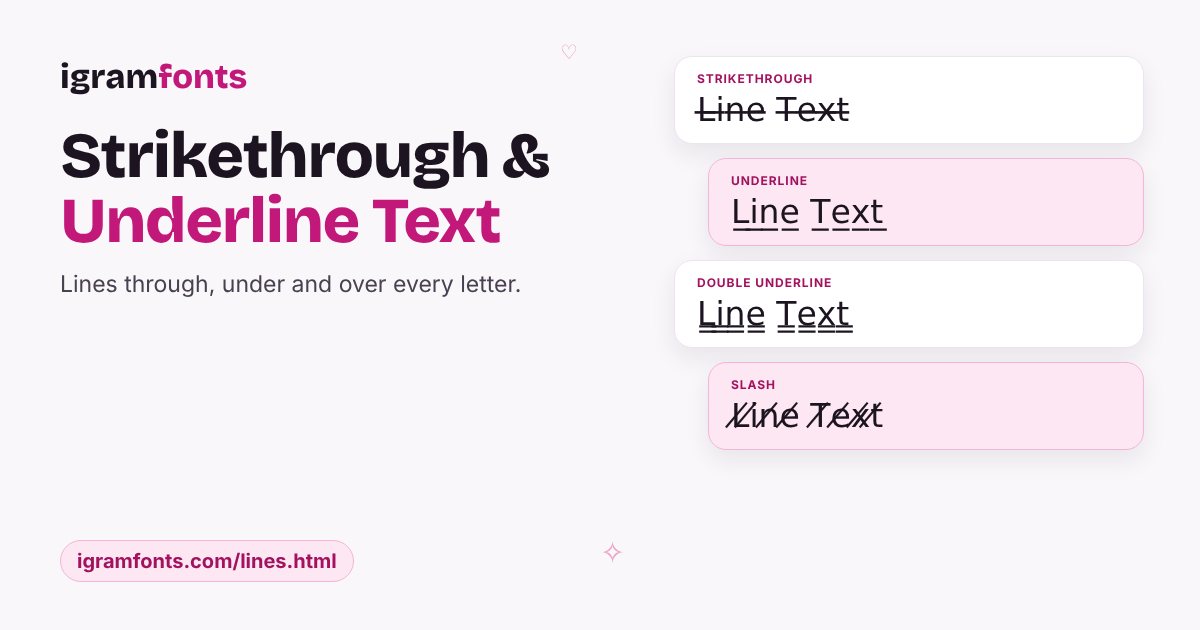
Text with lines, without formatting tools
Instagram has no bold, underline or strikethrough buttons. Line text solves that by adding a combining mark after every letter — a tiny invisible character that draws a line through, under or over the letter before it.
Popular uses
I̶'̶m̶ ̶f̶i̶n̶e̶ I'm great — cross out the “first thought”.
₹̶9̶9̶9̶ now ₹499 — handy for shop accounts.
M̲y̲ ̲f̲a̲v̲o̲u̲r̲i̲t̲e̲s̲ for caption headings.
Combine lines with cursive or gothic: 𝓢̶𝓽̶𝓻̶𝓲̶𝓴̶𝓮̶.
Want more? Tap ✨ › Build › Marks for 60+ marks — dots, rings, arrows and tildes above and below letters — and stack them on any style.
Note: each mark is an extra character, so line text uses roughly twice as many characters toward Instagram's limits.
Questions people ask
How do I strikethrough text on Instagram?
Type your text above, copy the Strikethrough style and paste it into your caption or bio.
Why does line text count as more characters?
Every letter carries an extra combining mark, so “Hello” becomes 10 characters.
Can I underline text in my Instagram bio?
Yes — copy the Underline style and paste it into Edit profile › Bio.