Make your Instagram name stand out
Your name is the first line people read on your profile, right under your photo. A stylish name makes your profile memorable before anyone even reads your bio — and it takes ten seconds to change.
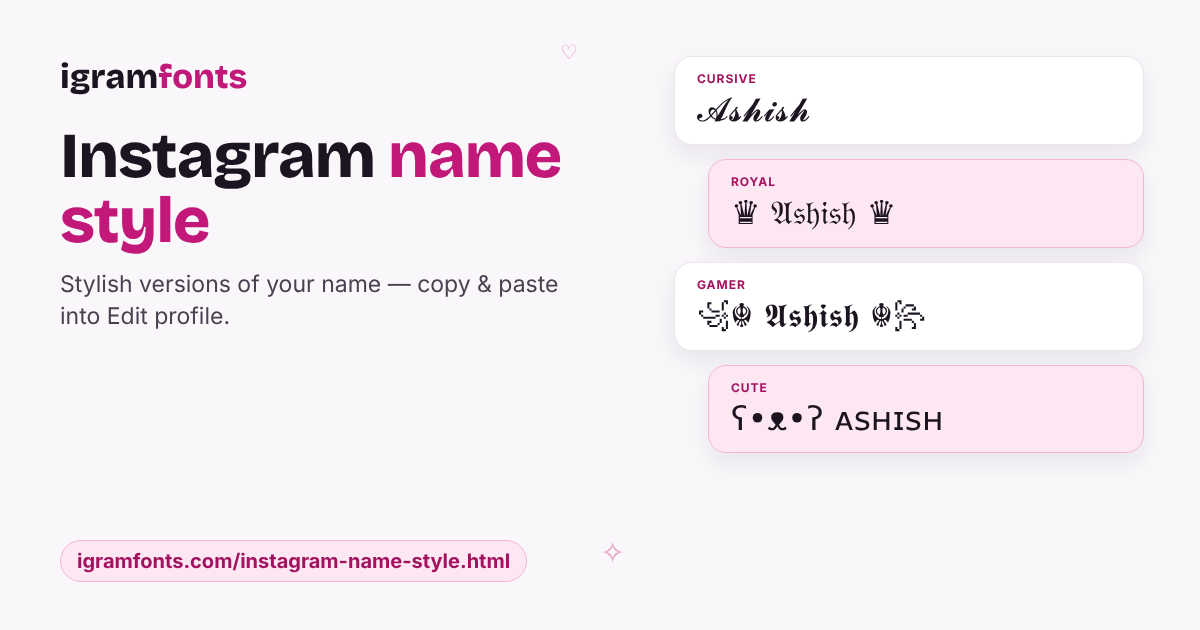
Type your name in the box above. Every style updates instantly: 𝓒𝓾𝓻𝓼𝓲𝓿𝓮 for an elegant look, 𝐁𝐨𝐥𝐝 for a clean, strong name, ♛ 𝔒𝔩𝔡 𝔈𝔫𝔤𝔩𝔦𝔰𝔥 ♛ for a royal feel, or a ꧁☬ gamer clan ☬꧂ frame. Tap ✨ on any style to add themes like Attitude, Cute, Boys, Girls, Love or Cricket.
How to change your name on Instagram
- 1Type your name above and tap Copy on the style you like.
- 2Open Instagram, go to your profile and tap Edit profile.
- 3Tap Name, delete the old name, paste the new one and tap Done (✓).
Good to know: Instagram lets you change your Name twice in 14 days, and the Name field holds up to 30 characters. Decorations count as characters, so check the length in the ✨ Decorate window before you copy.
Name style ideas by personality
Cursive or script with soft frames: ⋆˙⟡ 𝓟𝓻𝓲𝔂𝓪 ⟡˙⋆, ♡ 𝒜𝓃𝒶𝓎𝒶 ♡.
Sans bold or gothic with tags: 亗 𝗥𝗮𝗵𝘂𝗹 亗, ᴷᴵᴺᴳ ♛ 𝔄𝔯𝔧𝔲𝔫.
Small caps, bubbles and kawaii faces: ʕ•ᴥ•ʔ ɴɪʜᴀ, 🦋 𝓢𝓪𝓷𝓪 🦋.
Clan frames and crazy mixes for Free Fire and BGMI: ꧁☬ 𝕾𝖍𝖆𝖉𝖔𝖜 ☬꧂, ᴳᵒᵈ乂ᴀʀʏᴀɴ.
Keep your name searchable
People find you on Instagram by searching your name and username. Fully styled letters are harder for search to match, so a smart trick is to style the decoration, not every letter — for example ♡ Priya Sharma ♡ or ꧁ Rahul ꧂ — or to keep your plain name in your username and bio. If you're a creator or business, keep your real name readable and add one styled word or symbol.
Name styles for boys and girls
Looking for something more specific? Use the ✨ Decorate window: the Boys theme adds tags like ᴷᴵᴺᴳ ♛, ⚔ ⚔ and ⁽ᴿᴱᴮᴱᴸ⁾, while the Girls theme adds ᑫᑌᴱᴱᑎ ♕, 🦋, ༊·˚ and ˢʰᶦⁿᵉ. The Gamer theme has clan tags, and Royal gives you crowns and crests. Tap Load more inside any theme for endless new combinations.
Questions people ask
How do I get a stylish name on Instagram?
Type your name above, copy a style, then go to Instagram › Edit profile › Name and paste it.
Why can I not change my Instagram name?
Instagram allows only two name changes every 14 days. If you just changed it, wait and try again later.
Can I use a stylish name as my username?
No — usernames only accept letters, numbers, full stops and underscores. Put the stylish version in the Name field.
How long can my Instagram name be?
Up to 30 characters. Decorations and symbols count too, so long names may need a simpler style.
Will a fancy name stop people finding me?
It can make search slightly harder. Keep your plain name in your username or decorate around a readable name.