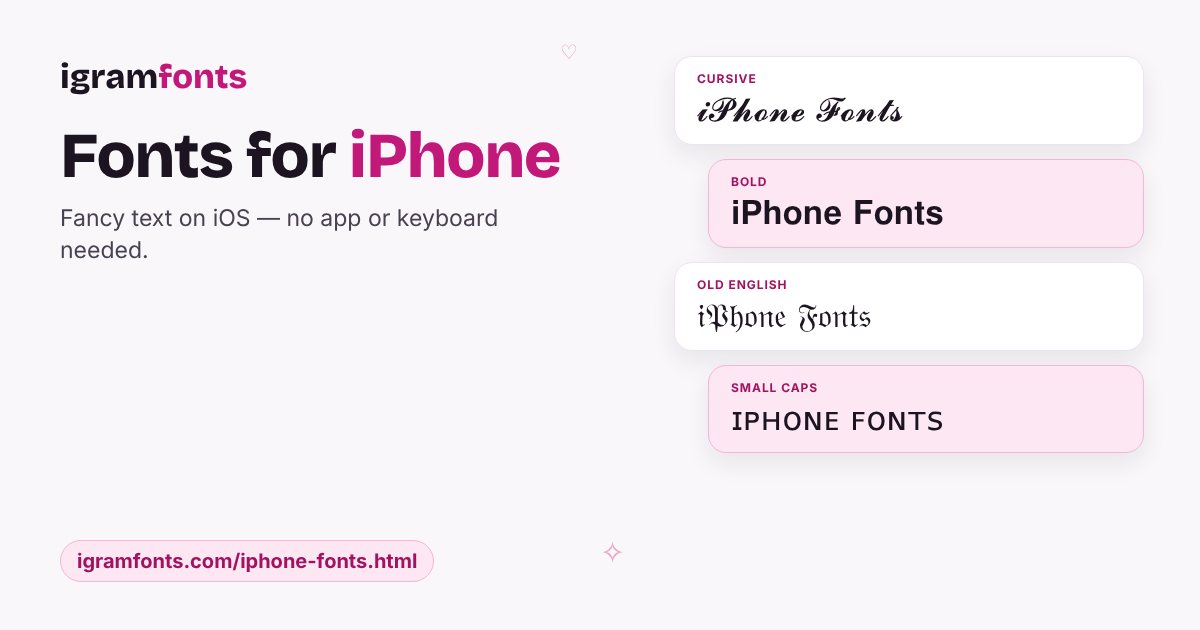
Fancy fonts on iPhone without an app
You don't need a font keyboard app to get stylish text on your iPhone. Open this page in Safari, type your text, tap Copy and paste it into Instagram, WhatsApp, Messages or Notes.
Save igramfonts to your Home Screen
- 1In Safari, tap the Share button.
- 2Choose Add to Home Screen and tap Add.
- 3Open it like an app whenever you need a new style.
Note: a few emoji-based styles (like blue letters) look different on iPhone than on Android. The styles above all look great on iOS.
Questions people ask
How do I get fancy fonts on my iPhone?
Copy them from this page and paste them into any app. No keyboard app is needed.
Do blue name styles work on iPhone?
They paste, but iPhones draw those letters as small boxes. Use coloured heart frames instead.